Exporting Metadata Using UI (File Approach)
- Procedure
- Login to TIBCO MDM.
- Click . The System Operations option will be visible only if you have ’admin’ privileges.
- Click
Browse to navigate to the path where the XML file containing the metadata is located.
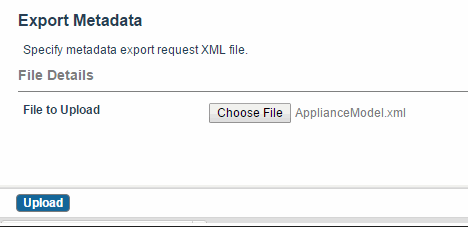
- Select the request XML file and click Upload.
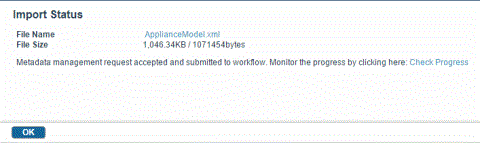
- On the next page, click
Check Progress to monitor the status of the upload. By default, the jar file that is created is stored in commondir.
Note: When a workflow is run as in-memory, no event is generated. As a result, you cannot check event details for operations triggered by an in-memory workflow. In this case, clicking on the Check Progress link redirects you to an appropriate page with a message that it is an in-memory operation instead of displaying the progress.
- From the Event Details Log, download the Data File (.jar file).
- Save the .jar file in the source or the destination company.